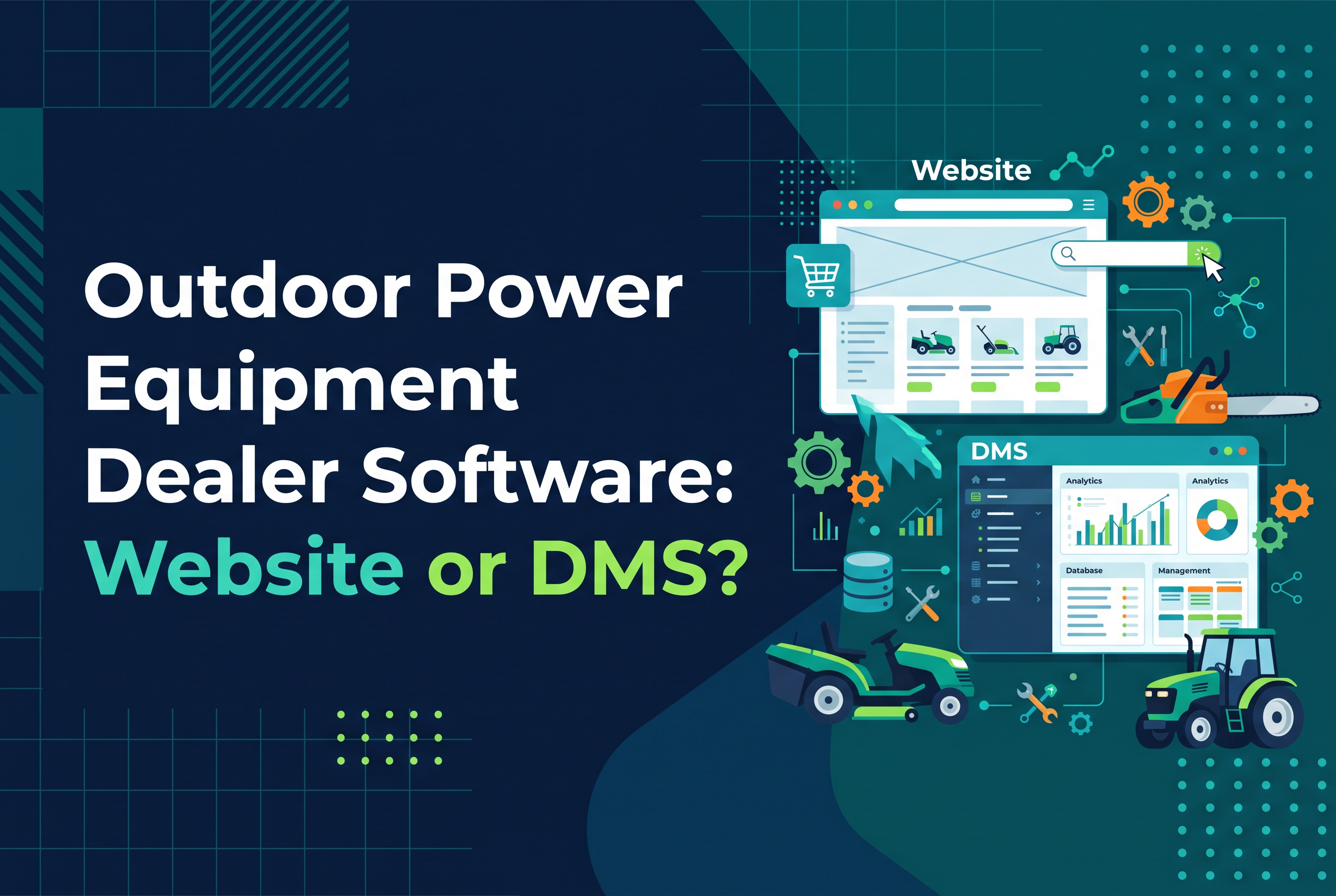
Outdoor power equipment dealer software is two different systems doing two different jobs: a dealer management system (DMS) runs the back of the shop, and a dealer website runs the front door. Most owners shop for one product to cover both and end up disappointed with whichever they pick.
The better question is which system owns which job. This post walks through two everyday examples, listing a used zero-turn and taking in a repair at the workshop, to show where a DMS is the system of record and where a customer-facing website takes over. Fleet Market is the website side of that split, and it is not a DMS.
What "outdoor power equipment dealer software" actually covers
The phrase covers at least two categories that get sold under one label: back-office dealer management software and customer-facing website software. Review sites that rank "best OPE dealer software" mix them in one list, which is why the comparisons feel confusing.
The back-office category is where names like Flyntlok, Lightspeed DMS, BiT, Ideal Computer Systems and ASPEN come up. These tools typically handle common shop use cases like routing work orders to technicians and tracking repair progress end to end. Windward's System Five lists point of sale, barcoding, serial number tracking, inventory control, general ledger and customer management.
Notice what those lists are made of: transactions, stock, ledgers and shop workflow. None of that is a public web page a homeowner finds at 9 p.m. searching for a used zero-turn. That is the other category.
What kinds of software do outdoor power equipment dealers use?
Dealers usually run two kinds of software: a dealer management system (DMS) for parts, work orders and accounting, and a customer-facing website for listings, service requests and rentals. They do different jobs, so the useful question is which one owns which task. A website platform like Fleet Market covers the storefront side, with optional inventory, service scheduling and rental booking modules run from one dashboard. Our buyer checklist below walks through the split.
What a DMS owns: parts, work orders, accounting, and the system of record
A DMS owns every record your business would have to defend in an audit or a warranty claim. Parts inventory and bin counts, work orders and technician labor, serial numbers, the general ledger, point-of-sale transactions and customer history all live there.
That is why it is called the system of record. When the number in the DMS and the number anywhere else disagree, the DMS wins. Your accountant, your parts manager and your manufacturer reporting all depend on it.
If you are comparing Flyntlok, Lightspeed DMS, BiT, Ideal or ASPEN, judge them on the work they do inside the building: parts and service workflow, rentals handled at the counter, accounting depth, and how well they fit your manufacturer programs. Ask each vendor for current pricing in writing, since pricing differs by seat count and modules.
A DMS is the right place to run the business. It is rarely the right place to market it.
What a dealer website owns: the customer-facing front door
A dealer website owns everything a customer sees and does before they walk in: browsing units, reading specs, asking for a quote, booking a service slot, reserving a rental.
The job is different from a DMS job. A DMS has to be correct. A website has to be found, trusted and easy to act on from a phone. Photos, current availability, a clear call to action and a form that reaches a human matter more than ledger depth.
A website also should not pretend to be your accounting system. Keep it narrow: show the customer what you have, take the request, and hand a clean lead or appointment to your team. If you are rebuilding your site, the equipment dealer website buyer checklist covers what to demand from one.
Example 1: a used zero-turn listing, from trade-in to online listing
A used zero-turn starts life in the DMS and ends up as a listing on the website, and the handoff is where dealers lose days.
Here is the sequence. A customer trades in a zero-turn at the counter. Your DMS is the system of record: it holds the trade-in value, the serial number, the stock number and the cost basis. The reconditioning work order, blades, belts, a tune-up, also runs through the DMS, because labor and parts must hit the books.
Now the unit is ready to sell. This is the website's job. Someone takes photos, writes the hours, deck size and asking price, and publishes it where shoppers look. With Fleet Market's inventory module, that listing is entered and managed from the dashboard and shown on your branded storefront. The customer sees the unit; your DMS still owns the cost, the serial history and the final invoice.
The rule: the DMS decides what the unit cost and what you owe; the website decides how it is presented. Keep the listing fast and photo-led. When it sells, mark it sold on the site and close the sale in the DMS. Two systems, two jobs, no confusion about which number is the truth.
Example 2: workshop intake, from phone tag to a booked service slot
Workshop intake splits cleanly too: the website captures the request and the slot, and the DMS owns the work order once the machine is on your floor.
Picture the spring rush. Without online booking, a service manager spends mornings returning calls to find out what the machine is, what is wrong and when the owner can drop it off. Every call is a pause in someone's day.
With Fleet Market's service scheduling module, the customer picks a time online and the request reaches your team in the dashboard. You walk in Monday already knowing who is coming. Then the machine arrives and the real work begins: the work order, parts pulled, technician labor, the invoice. That is DMS territory, and it should stay there.
The website removes phone tag. The DMS runs the repair. Do not ask the booking tool to track parts, and do not ask the DMS to be the thing customers find on Google.
How Fleet Market fits: storefront, inventory, service, and rental modules (and what it is not)
Fleet Market is a website platform for equipment dealers that gives you a branded storefront, plus optional modules for inventory listings, online service booking and rental reservations, all run from one dashboard.
The modules map directly to the examples above:
Inventory Management for your equipment catalog, the used zero-turn listing.
Service Scheduling for online booking into your service department, the intake slot.
Rental Management for your rental fleet booked online.
If you already have a site, the Modules Only option embeds the modules into it.
What it is not: Fleet Market is not a DMS, and it is not an accounting, parts or payroll replacement. Keep your DMS for those jobs.
How to decide: a quick checklist and what it costs
Decide by asking which job is broken, not which product name sounds biggest. Run through this list:
Parts, work orders or accounting are the pain? You need a DMS. Evaluate Flyntlok, Lightspeed DMS, BiT, Ideal or ASPEN on shop workflow and manufacturer fit.
Customers cannot find your units or book service? You need a better website, not a new DMS.
Your site is fine but has no listings, booking or rentals? Look at modules you can add to an existing site.
Both are weak? Fix the system of record first, then the front door.
On cost, DMS pricing varies by vendor and seats, so get quotes. Fleet Market publishes its prices: a website is $230/month, website plus one module $360/month, Full Suite $510/month, and Modules Only starts at $200/month. Annual billing is about 17% off.
A quick comparison of the two jobs:
| Job | System of record | Customer-facing |
|---|---|---|
| Parts and stock counts | DMS | |
| Work orders and labor | DMS | |
| Accounting | DMS | |
| Used unit listing | Website | |
| Service booking | Website | |
| Rental reservations | Website |
Pick the system per job, then try the front door first
A DMS and a dealer website are not rivals; they own different jobs, and the dealers who treat them that way stop expecting one tool to do both. Keep the DMS as your system of record for parts, work orders and accounting. Put your listings, service slots and rentals where customers can reach them.
Frequently asked questions
What is the best software for equipment dealerships?
It depends on the job. For parts, work orders and accounting, dealers look at DMS options like Flyntlok, Lightspeed DMS, BiT, Ideal Computer Systems and ASPEN. For the customer-facing side, listings, service booking and rentals, Fleet Market gives you a branded website with optional modules, from $230/month.
Does an outdoor power equipment dealer need a DMS and a website?
Usually yes, because they do different work. A DMS is your system of record for parts, work orders, serial numbers and accounting. A website is how customers find units and book service. Fleet Market covers the website side and is not a DMS, so it pairs with whichever back-office system you run.
Can I add online service booking to my existing website?
Yes. Fleet Market's Modules Only option embeds inventory, service scheduling or rental modules into a site you already have, starting at $200/month. If you would rather replace a dated site, the full website plan starts at $230/month and includes a branded storefront.
What CRMs and field service tools do equipment dealers use?
Many dealers rely on the customer management built into their DMS and use separate tools for scheduling. For the customer-facing part, Fleet Market's service scheduling module lets people book a slot online and routes requests to your dashboard, while your DMS keeps customer history and work orders.