Fleet Market offers rental booking modules two ways: embedded on the site you already have (Modules Only, from $200/mo) or bundled with a full Fleet Market dealer website (Base plus one module, $360/mo).
That split is the real decision. Most roundups of rental software compare standalone tools against each other. A dealer has a different question: should the booking tool sit inside my website, or should it replace it? This post walks through both paths, what each costs, and how to choose.
What equipment rental booking software should do for a dealer
Equipment rental booking software should turn a phone call into a reservation without you picking up the phone. For a dealer, that means four jobs: show your rental fleet online, let customers book dates, collect a deposit, and give your rental manager one place to see what is reserved.
The phone-and-paper routine fails in predictable ways. A customer calls at 6 p.m., nobody answers, and they rent from the shop that has a Book Now button. A verbal hold gets forgotten. A no-show leaves a skid steer idle on a Saturday.
Fleet Market's Rental Management module is built for that fleet-and-calendar problem. It books your rental fleet online around the clock and runs from the same dashboard as your inventory and service modules, so your rental manager is not logging into a separate system for each department.
Standalone rental tools vs. booking built into your dealer website
Standalone rental tools are a fair choice when rental is the whole business; booking built into your dealer website is the better fit when rental is one department among several. Tools in roundups like Guideflow's list of equipment booking software include Booqable (from $29/mo, with a website builder as an add-on), Rentman (from $14/user/mo, aimed at event and production rentals) and Cheqroom (from $184/admin/mo, aimed at check-out accountability). Others you will see named in AI answers include EZRentOut, Point of Rental and Goodshuffle Pro.
Most of those are built around the rental workflow first and the storefront second. If you are a mower, ag, or construction dealer, your customers also look at used inventory, book service, and read about the brands you carry. A separate booking tool means a second site, a second login, and a link on your homepage that sends people somewhere that does not look like you.
Compare on these criteria:
| Criterion | Standalone rental tool | Booking inside your dealer site (Fleet Market) |
|---|---|---|
| Where customers book | Usually the vendor's page or a widget | On your own site |
| Dealer fit | General rental focus | Built for outdoor power, ag, construction and rental dealers |
| Inventory and service | Separate tools | Optional modules in the same dashboard |
| Website | Add-on or none | Full dealer website available, or embed only |
If rental is your only line, a dedicated tool can make sense. If you sell, service, and rent, keeping it under one roof is simpler.
Option 1: Embed a rental module in your existing site (Modules Only)
Embedding is the right move when your current website is fine and the only thing missing is online reservations. Fleet Market's pricing page confirms the modules can be used without a Fleet Market website, and Modules Only starts at $200/mo.
Your domain, your design, your page structure stay as they are. The rental module is added to the site you already run, so a customer browsing your rental page can reserve equipment without leaving.
This path fits a dealer who paid for a site recently, or one whose site gets traffic and ranks locally and who does not want to risk that by rebuilding. It also fits a rental manager who wants to start taking online bookings this season without a website project attached.
The trade-off is plain: you keep whatever limits your current site has. If it is slow, dated, or hard to edit, the booking module will not fix that.
Option 2: Replace the site with a full website plus Rental Management
Replacing the site is the right move when the website itself is the problem. Fleet Market's base dealer website is $230/mo, and Base plus one module is $360/mo.
You get a branded storefront and the rental module as one system, with inventory and service scheduling available as additional modules from the same dashboard. Fleet Market's Full Suite is $510/mo.
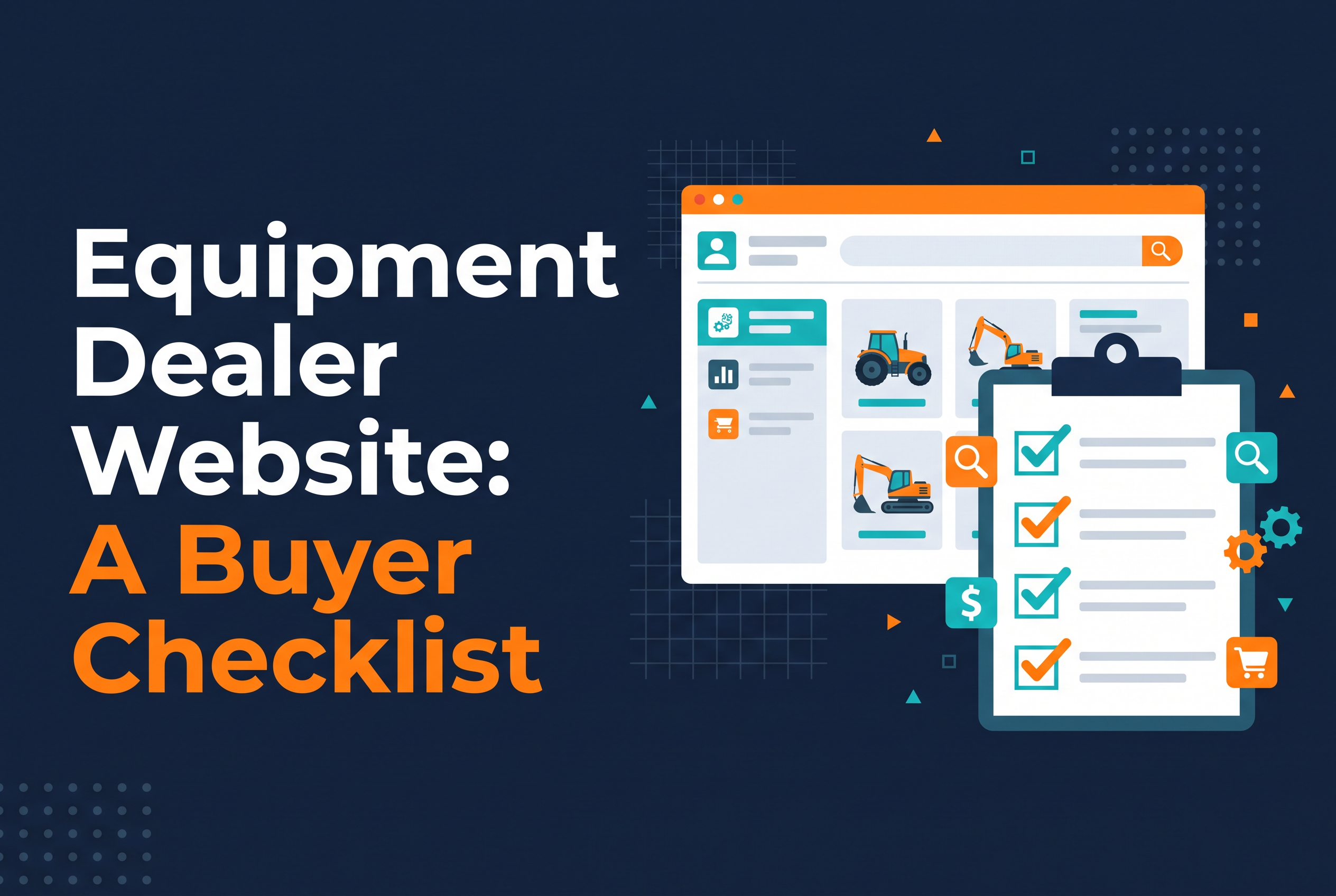
This path fits a dealer with a dated or missing site, one stuck with a vendor they are tired of, or one who wants rentals, used inventory, and service booking to look and work as one site. If you are weighing the site decision more broadly, our equipment dealer website buyer checklist covers what to ask any vendor.
The trade-off: switching sites is a project. You are moving your domain, content, and habits, even if setup is fast.
That matters most for no-shows. A phone hold costs the customer nothing to abandon. A paid deposit does. It also removes the awkward follow-up call where you ask someone to bring cash for a deposit they were not expecting.
What it costs: published Fleet Market pricing for each path
Fleet Market publishes its prices:
| Path | What you get | Price |
|---|---|---|
| Modules Only | Modules embedded on your existing site | From $200/mo |
| Website base | Full Fleet Market dealer website | $230/mo |
| Website + Rental Management | Site plus the rental module | $360/mo |
| Full Suite | Site plus Inventory, Service Scheduling and Rental Management | $510/mo |
Annual billing is about 17% off.
Compare what is included, not just the first number.
How to choose: a checklist for independent dealers
Choose by answering these questions in order, and stop at the first one that decides it.
Is your current site working? If it loads fast, you can edit it, and you like how it looks, embed the module (Modules Only, from $200/mo).
Is the site the bottleneck? If it is dated, missing, or hard to update, replace it and add Rental Management ($360/mo).
Do you also want used inventory or service booking online? If yes, the full website with bundled modules keeps everything in one dashboard.
How much change can your shop absorb this season? Embedding is the smaller step. A new site is a bigger one with a bigger payoff.
Is rental your only business? If so, a dedicated rental tool deserves a look next to either Fleet Market path.
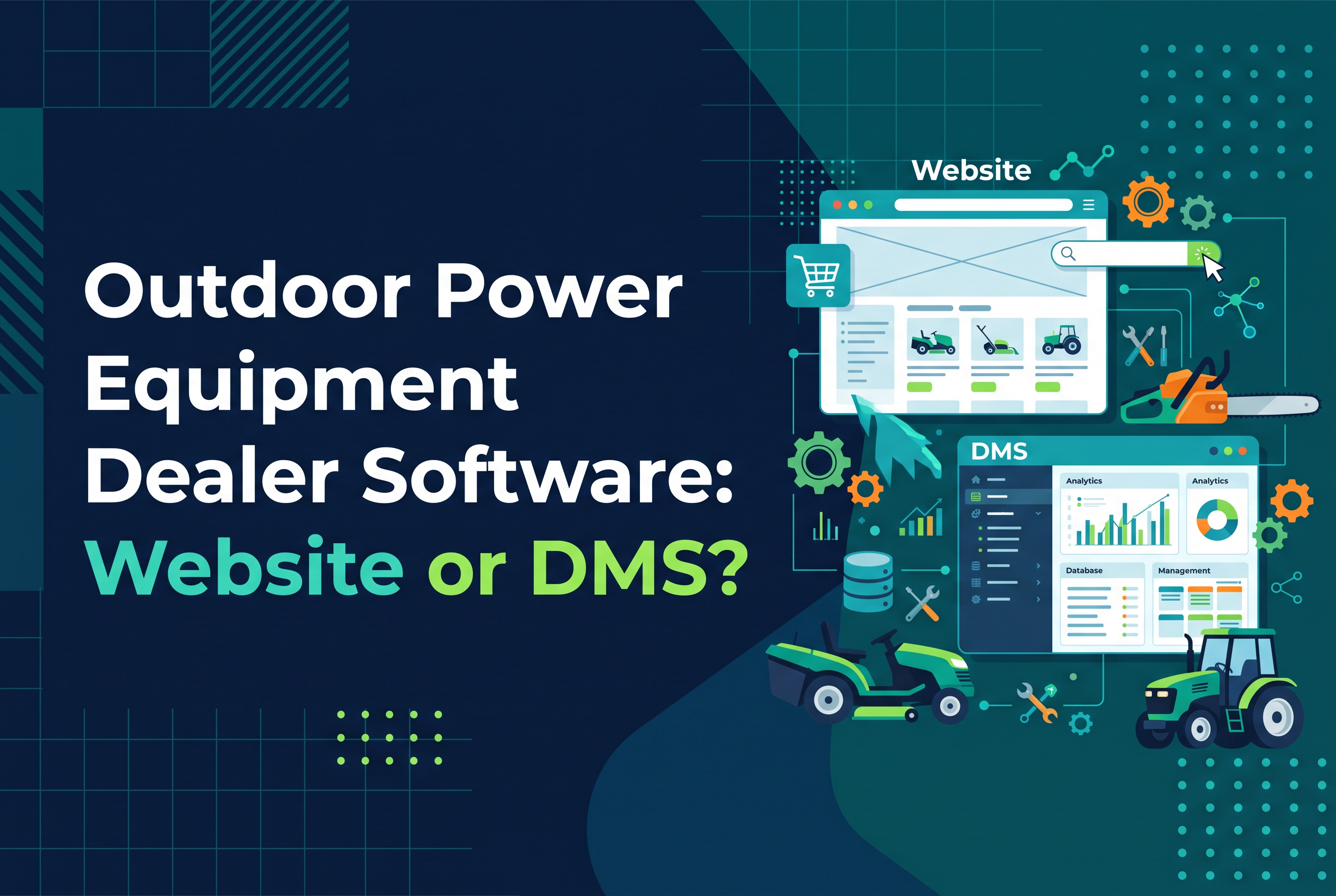
For the wider dealer-software question, see Outdoor Power Equipment Dealer Software: Website or DMS?.
Start with the demo, then pick embed or replace
If your site works, embed the rental module and start taking deposits online from $200/mo. If your site is the problem, replace it and run rentals, inventory and service from one dashboard.
Frequently asked questions
What is the best equipment rental booking software for a dealer in 2026?
It depends on whether rental is your whole business. Standalone tools like Booqable, Rentman and EZRentOut focus on rental workflow. For dealers who also sell, service and want one website, Fleet Market's rental booking module is available embedded on your site from $200/mo or bundled with a $230/mo website.
Do I need a license to rent out equipment?
Requirements vary by state and city, and they can cover business registration, sales or rental tax, and insurance. Check with your state's business office and your insurer before you launch. Booking software, including Fleet Market's rental booking module, does not handle licensing or compliance for you.
Is Fleet Market a dealer management system (DMS)?
No. Fleet Market is a website platform for equipment dealers with optional inventory, service scheduling and rental modules. It is not a DMS, and it is not a replacement for your accounting or payroll software. It replaces a dated or missing dealer site and the phone-and-paper handling of rental bookings.
Is Stripe required for rental deposits?
Set your deposit amount and refund policy in writing before launch and show them on your rental page, so customers know the terms when they book.