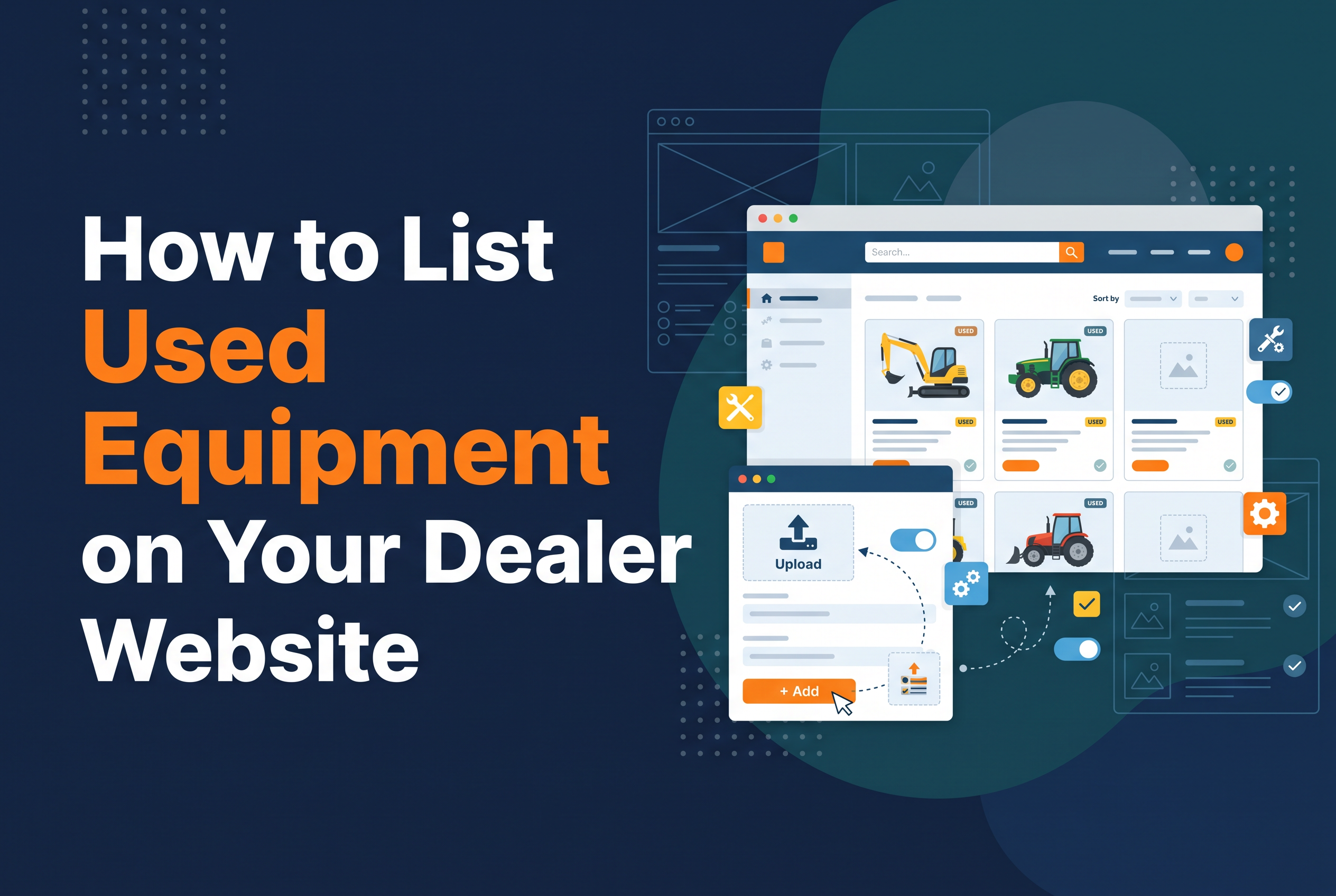
To list used equipment on your dealer website, give every unit its own page with make, model, year, stock number, price, location, honest hours, a plain condition note, real photos, and an inquiry button tied to that machine. Then take it down or mark it sold the day it goes.
That is the whole job. The dealers who get inquiries from their own site are not the ones with the fanciest design. They are the ones whose listings answer the buyer's first five questions before the buyer has to pick up the phone. This guide walks through each field, the photos, where inquiries should land, and how to retire sold units without leaving dead pages behind.
Why a used-equipment listing on your own site is worth the effort
A listing on your own site is worth the effort because it is the one place you control the price, the photos, the wording, and who gets the lead. Marketplaces rent you a spot next to your competitors. Your site does not.
A buyer who searches a make, model, and year and lands on your page for that exact unit is a warm lead. A stable, crawlable page with a descriptive title, readable specs, and unique condition notes gives search engines something specific to match against that search. A line in a spreadsheet or a photo on social media does not.
There is also a trust effect. When your site shows current, specific, consistent information, buyers assume the shop behind it is organized. That matters when the purchase is a five-figure machine they cannot touch yet.
If you manage listings from one dashboard, adding a unit takes minutes instead of an afternoon. Fleet Market is a website platform for equipment dealers with an inventory module that lets you manage used listings in the same dashboard as the rest of your site. The rest of this post applies no matter where you post.
The fields every used equipment listing needs (make, model, year, stock number, price, location)
Every used equipment listing needs six identity fields before anything else: make, model, year, stock number, price, and location. Skip one and you will answer the same question by phone all week.
Make, model, year: Use the manufacturer's exact model name. Buyers search it verbatim, and your page title should match.
Stock number: Your internal ID. It lets a customer say "the 2019 on stock number 4471" and lets your counter staff find it in seconds.
Price: Post an actual number. "Call for price" costs you the buyer who is comparing five dealers and will only call the ones that answered. If the price is negotiable, say so in the description, but show a figure.
Location: If you run more than one lot, say which one holds the unit. Show current address, phone, and sales hours on the page.
Specs and attachments: Add the key specifications and list what is included, such as bucket, deck, blade, or forks.
Consider keeping the full serial number for serious buyers rather than posting it publicly. Show the stock number publicly and share the serial once someone is genuinely interested.
Write a page title that reads like a search: year, make, model, and one differentiator. "2018 Kubota ZD331 Zero-Turn, 61-inch Deck" beats "Used Mower #12."
How to report hours and condition honestly
Report hours as a number plus a statement of whether you trust that number. A reading of 1,240 hours means little if the meter was replaced, or if you are unsure it works.
Write one of three things: the hours are verified from records, the meter works and reads this number, or the meter is inoperative or uncertain and here is what you know. Buyers forgive an honest unknown. They do not forgive discovering it at pickup.
For condition, be specific. "Good condition" tells a buyer nothing. Compare:
Vague: "Runs great, well maintained."
Useful: "Serviced at 1,100 hours. New belts and blades. Small hydraulic weep at the left lift cylinder, seep only, no drip. Seat has a 3-inch tear."
Cover operating status, wear, leaks, damage, repairs, and known problems. Attach service records or an inspection report if you have one. State what is included in the sale and whether you offer loading or on-site inspection.
The counterintuitive part: listing flaws raises your close rate. A buyer who reads about the seat tear and the hydraulic weep trusts the rest of the page. A buyer who finds them in the yard walks.
Photos that sell a used machine: the shot list
The best photos for a used machine are your own, taken on the lot, covering the whole unit and every place a buyer will worry about. Stock images and manufacturer brochure shots tell the buyer nothing about this machine.
Shoot this list every time:
Four corners: front three-quarter, rear three-quarter, and both sides, full machine in frame.
Cab or operator station: seat, controls, and floor.
Hour meter: close enough to read the number.
ID plate: useful for your records and for serious buyers who ask.
Wear points: tires or undercarriage, blades or cutting edges, bucket teeth, pins and bushings.
Attachments: each one that is included, on its own.
Defects: every dent, tear, leak, or crack you named in the condition note.
Engine bay or deck underside: where a buyer's mechanic would look first.
Use good light, a clean background, and a washed machine. Compress images before upload so the page loads fast on a phone, because a large share of equipment shoppers are browsing from a truck cab or a field. Put the best full-machine shot first and the hour meter early in the set.
A phone camera is enough. Consistency beats gear: same angles, same order, every unit.
Route every inquiry to the right person
Every inquiry should land with one named person who can answer questions about that specific unit, the same business day. A form that dumps into a general inbox is where used-equipment leads go to die.
Set it up in three steps:
Tie the button to the machine. The inquiry should carry the stock number and unit name, so whoever reads it does not have to ask "which one?"
Pick the owner. For small lots, that is usually the sales manager or the owner. If you have a used-equipment specialist, send it to them with a backup. Decide who covers when they are out.
Offer a phone number too. Some buyers want to talk. Show the sales line and hours next to the form. If service and parts keep different hours, list them separately.
Then test it. Submit an inquiry on your own site from your phone and time how long it takes anyone to respond. If it takes a day, you have found a bigger problem than your photos.
If you want one place to manage listings and see what is posted, Fleet Market's inventory module sits in the same dashboard as the rest of your dealer site. For how that fits against a DMS, see Outdoor Power Equipment Dealer Software: Website or DMS?.
Remove or mark sold stock before it costs you trust
Take a unit down or mark it sold the day the deal closes. A sold machine still showing as available sends a buyer to call about something you cannot sell, and that buyer remembers.
You have two clean options:
Keep the page with a clear "Sold" notice. Show similar available units underneath. This keeps the URL alive, keeps any search traffic it earned, and gives a visitor somewhere to go next.
Redirect to a closely matching category page. If the unit was a 2018 zero-turn mower, send the old URL to your used zero-turn mowers page.
What not to do: delete the page and leave a 404, or leave it marked available because nobody owns the cleanup.
Make it a rule, not a good intention. Assign sold-status updates to whoever closes the deal, or whoever runs the counter. Then audit monthly: compare every live listing against the yard and your inventory record. Anything on the site that is not on the lot gets fixed that day. Keep price, hours, photos, and availability consistent everywhere you post the unit, so a buyer never sees two different stories.
A listing checklist and what to look for in a dealer website
Run every unit through this checklist before you publish:
Make, model, year, stock number, price, and location filled in
Page title reads like a search
Hours stated, with a note on whether the meter is trusted
Condition note names specific wear, repairs, and defects
Service records attached if you have them
Full photo set: four corners, controls, hour meter, ID plate, wear points, attachments, defects
Inquiry button tied to this unit and routed to a named person
Sold-status owner assigned
A few notes on the broader questions dealers ask. Marketplaces like Machinery Trader and TractorHouse can sit alongside your own site, but each has its own listing process, fees, and rules, so check their current terms directly. Your own site is the one place where you control the full page. If you are weighing dealer website platforms, look for per-unit pages, fast mobile loading, easy sold-status updates, and inquiry routing you can test. Our equipment dealer website buyer checklist goes through those criteria in detail, and Equipment Dealer Website Builder: What to Compare covers the builder side.
Post one unit properly this week, then repeat it
A good used-equipment listing is not clever. It is complete: six identity fields, honest hours, a specific condition note, a real photo set, an inquiry that reaches a person, and a plan for the day it sells. Do that for one unit this week and compare the inquiries to your oldest listing.
Frequently asked questions
How do I list used equipment inventory on my dealer website?
Create one page per unit with make, model, year, stock number, price, location, hours, a specific condition note, and a full photo set. Add an inquiry button tied to that unit. Fleet Market's inventory module lets dealers manage used listings from the same dashboard as the rest of their site.
What photos should a used equipment listing include?
Shoot all four corners, the cab or operator station, the hour meter, the ID plate, wear points like tires, blades, or bucket teeth, each attachment, and every defect you mention in the description. Use your own photos, good light, and compressed files so pages load quickly on phones.
How should I show hours on a used machine?
State the number and whether you trust it: verified from records, working meter reading this number, or meter uncertain or replaced. Photograph the hour meter. Honest uncertainty protects trust. A buyer who finds a surprise at pickup rarely buys again.
What should I do with a listing after the unit sells?
Update it the same day. Either keep the page with a clear Sold notice and links to similar available units, or redirect the URL to a closely matching category page. Never leave a sold unit marked available, and never leave the old URL as a dead end.
Should I list used equipment on marketplaces or my own site?
Your own site gives you full control of price, photos, and who receives the lead, while marketplaces like Machinery Trader and TractorHouse add reach on their own terms. Keep price, hours, and availability consistent across every place a unit appears, and start by making your own listings complete.